Connect your services
Add Proxmox, TrueNAS, and Home Assistant from Connections. Saved credentials stay on your PC.
Pulse is the board where live PC stats, Proxmox, TrueNAS, the network, the smart home, and the camera feeds sit in one place.
Windows app, version 2.5.0 Preview. Free access with no trial. Background monitoring and verified downloads. Unsigned preview.
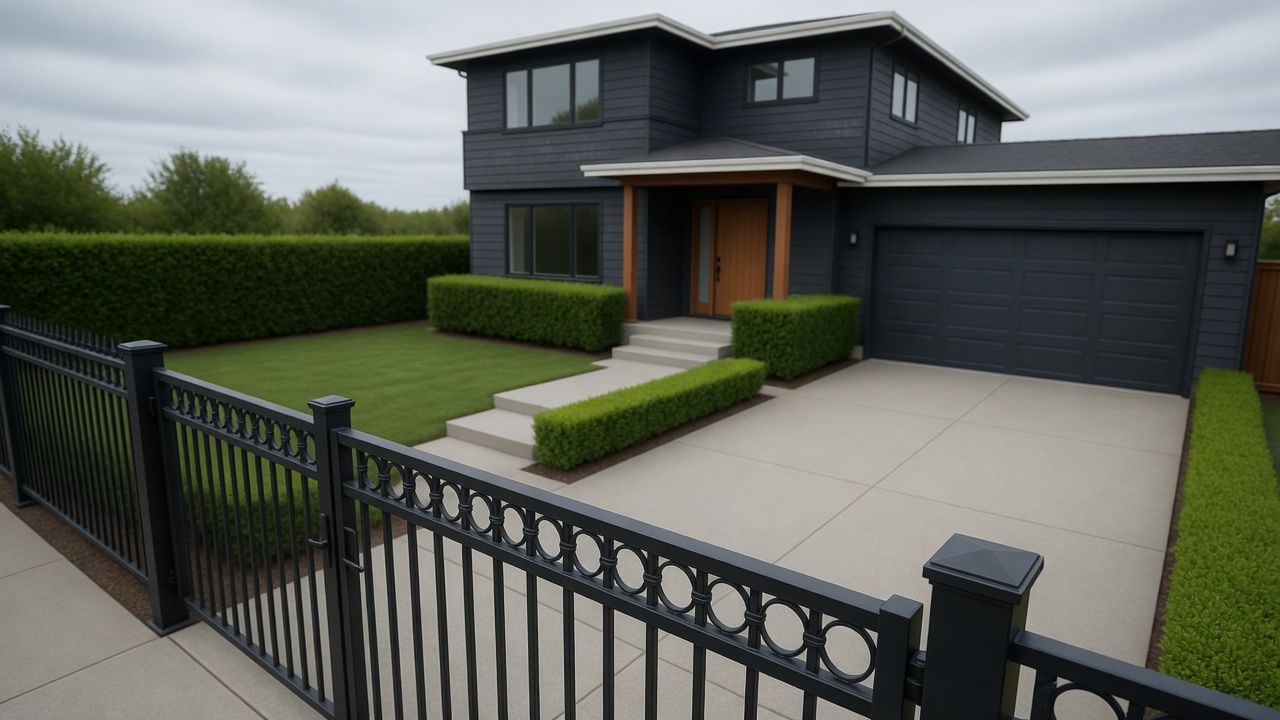 Gate
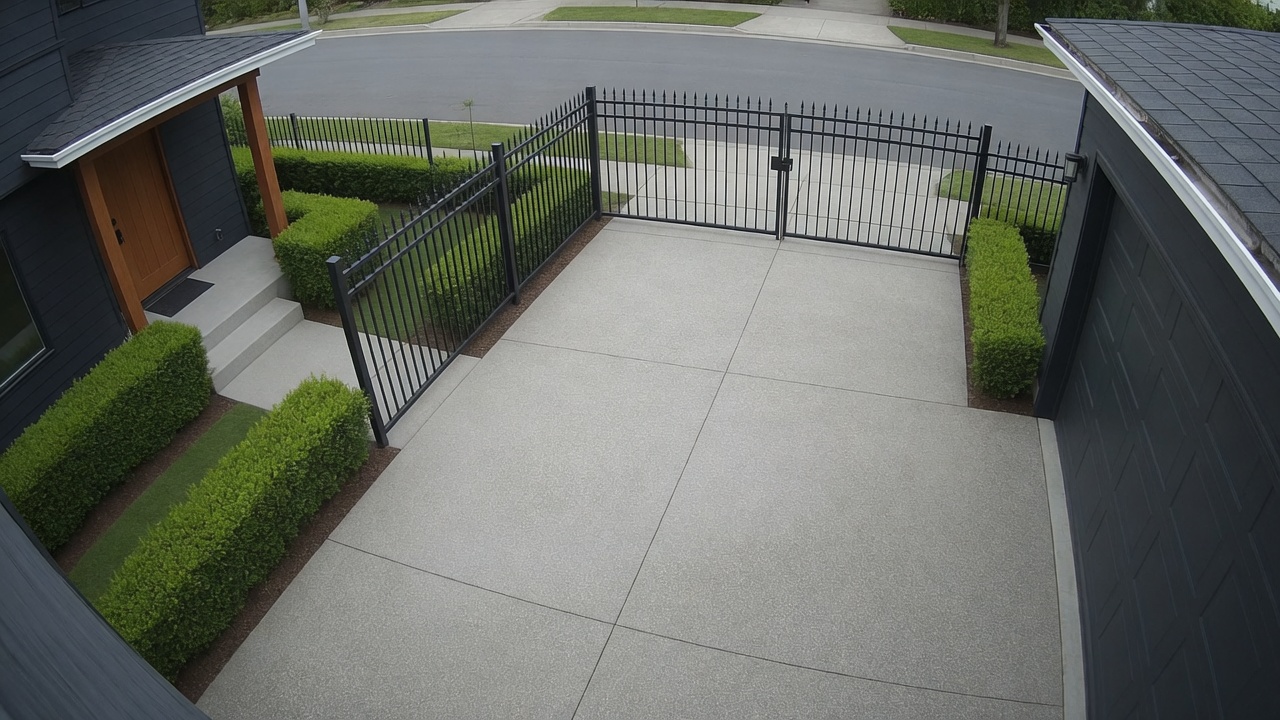 Drive
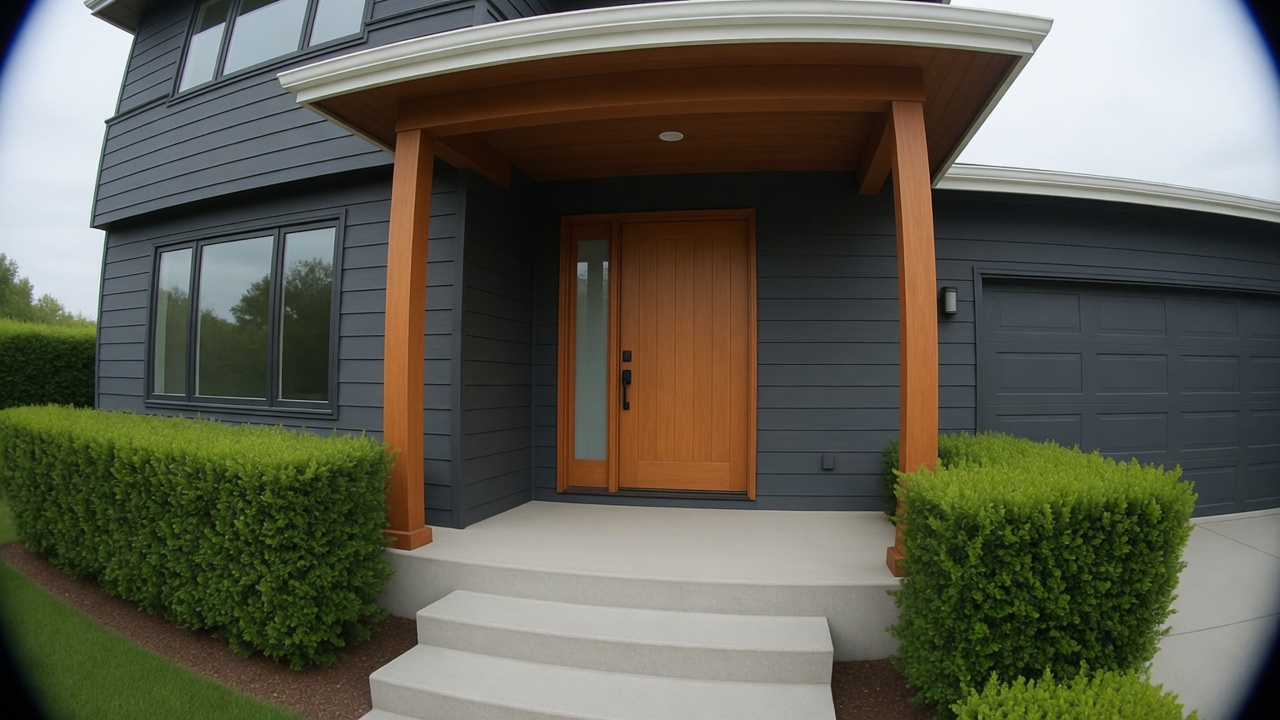 Porch
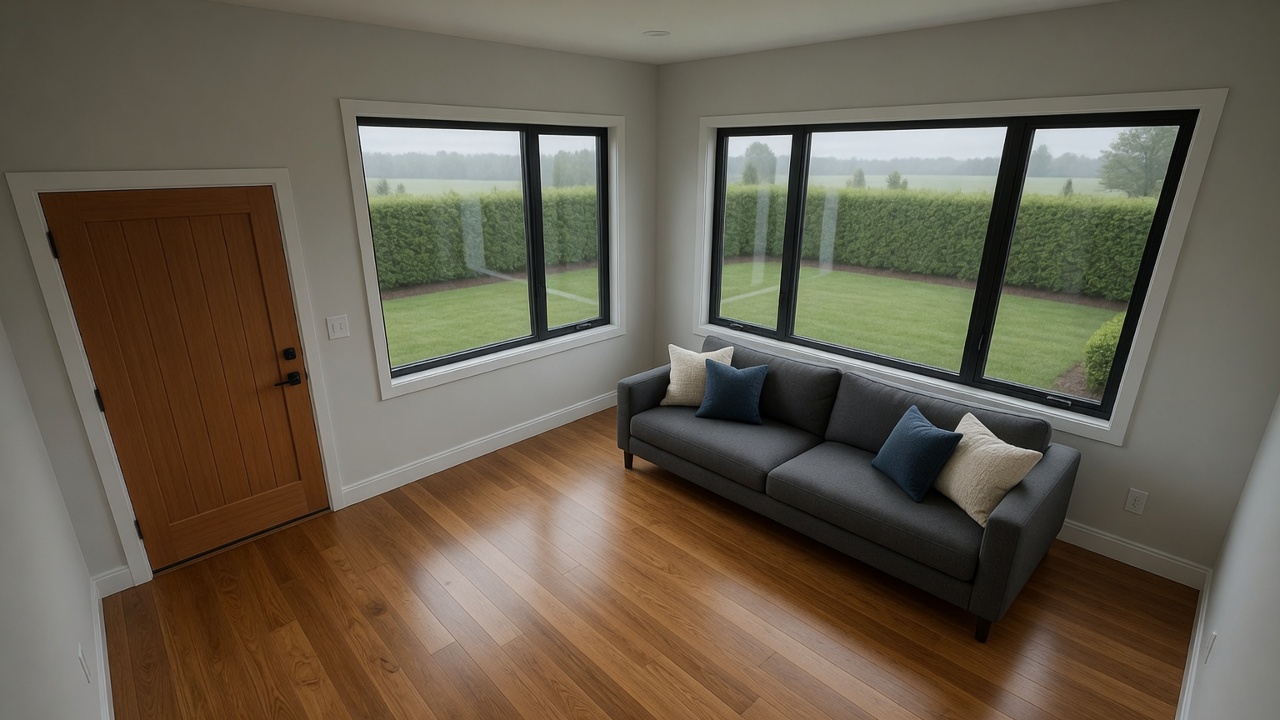 Inside
Sample board. CPU, memory, temperature, and pool figures are the command center’s demo readings.
Pulse polls the Windows PC and keeps the sensors on the board: load, clocks, temperatures, memory, disks, and fans. This Windows edition runs locally on your PC; phone access is not included.
Add Proxmox, TrueNAS, and Home Assistant from Connections. Saved credentials stay on your PC.
Close the dashboard to keep monitoring. Open Pulse from its tray icon, review alerts, or choose Exit Pulse to stop monitoring.
Storage and the virtual machines share the board with the PC. Pool health, a scrub, and which guests are up are part of the same glance. The guest names here are a sample of that layout.
Pulse draws the path from the WAN through the switch to the PC, the lab, the cameras, and the home devices. From that map you reach a machine, a pool, a guest, or a device without hunting through separate consoles.
Blink and Ring feeds stay on the board with the pools and the CPU. Lights, locks, sensors, and the alarm are the rest of that screen, through Home Assistant.
Sample still · GateGateSample still · DriveDriveSample still · PorchPorchSample still · InsideInsideFree access. No trial, subscription, or account required. Windows 10/11 x64 and Microsoft Edge are required. This is an unsigned preview; Windows may show an unknown-publisher warning.
Pulse runs locally on this PC. Phone and remote access are not included.
| Connection | Available | Limits |
|---|---|---|
| Home Assistant cameras | Snapshots and supported live streams | Depends on the camera entity and integration |
| Ring through Home Assistant | Supported live view, events and health | No two-way audio; recordings remain in Ring |
| Blink through Home Assistant | Snapshots and reported sensor states | No live video or Mini movement controls |
| Proxmox / TrueNAS | Monitoring with your saved credentials | Console and control actions require separate permissions; TrueNAS connector requires 25.04+ |
Closing the dashboard keeps monitoring and Windows tray alerts active. Use the tray icon to reopen Pulse or choose Exit Pulse to stop monitoring. Quiet hours and repeat settings apply. Monitoring stops when the PC sleeps, shuts down, or signs out; Windows may suppress notifications.
About & updates checks publisher-authenticated release notices and verifies installer checksums. Exit Pulse from the tray before installing an update. Connections, preferences and history stay in your Windows profile. Older versions need a manual download to get this update flow.